Free flyer maker
Describe the event and the details. Get a print-ready flyer as a PDF.
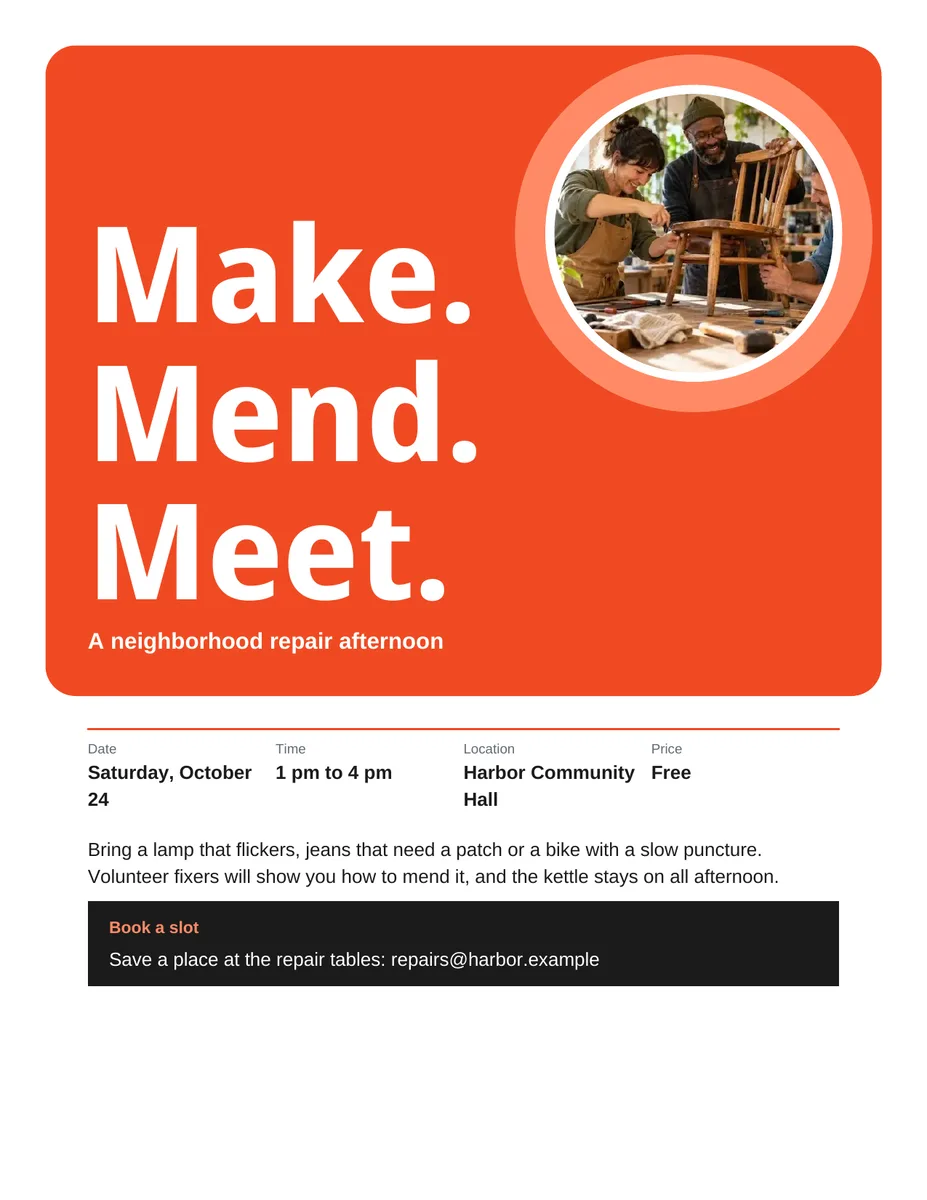
Nothing sends until you start, and you can change anything afterwards.
Export formats
- PDF (.pdf) Opens anywhere and prints as laid out.
Every export also lands in your Library as an artifact you can revise, share with a link, and pick up again in another chat.
How it works
- Describe the event and give the details: what, when, where, price, and how to respond.
- askROI writes the headline and copy, lays out the page with a clear hierarchy, and builds the PDF.
- Review the details, fill in anything marked "To be confirmed", and add an image to the marked space if needed before printing.
What people use it for
- Events fairs, fundraisers, open days, and performances.
- Classes and courses workshops, evening classes, and tutoring.
- Sales and promotions shop windows and noticeboards.
- Open days and launches schools, clubs, shops, and new services.
Questions
Can I add my own photo or logo?
Attach it and ask for it to be placed on the flyer. Without one, the template asks for a clearly marked "Add your image here" space. Ask askROI to rebuild the PDF with your image when it is ready.
What size is the flyer?
A single print-ready page with comfortable margins, readable in black and white. Tell askROI the paper size you will print on and it lays the page out for it.
Is this flyer maker free?
Yes. You can make flyers on the free plan. Paid plans raise the usage limits and include more credits for Premium mode.
Will it invent details?
The template instructs askROI to use only the event details you provide and mark missing dates, times, locations, prices, and contact or registration details "To be confirmed". An omitted price does not mean free admission. Review the draft and replace these placeholders before printing.
What does it not do?
It does not print or send your flyers, or give you an editable design file. The result is a PDF, and changes happen by asking in the chat.