All AI tools
AI Logo Generator
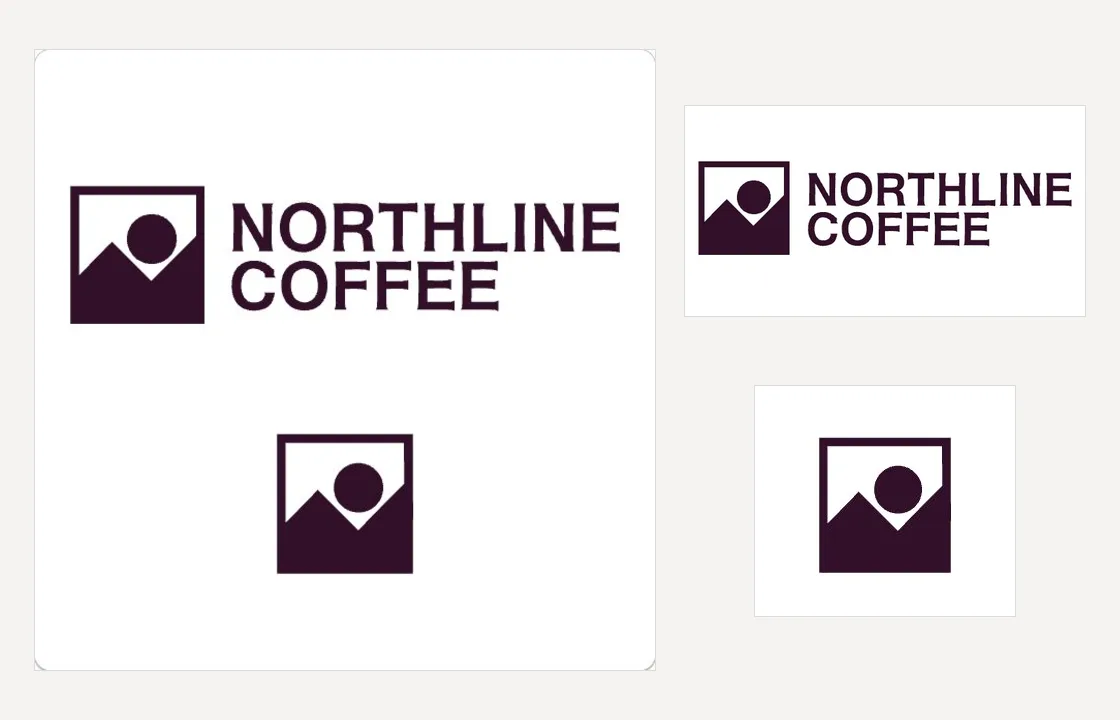
Describe the name, the style, and the colours, and get three editable SVG logo variations to choose from.
Sign in before choosing files. Only your text draft is saved. Choose your files here after signing in.
Generate
in
.
Tap a field to fill it in
Nothing sends until you start, and you can change anything afterwards.
Export formats
- ImageDownload it, or drop it into another chat.
It also lands in your Library, ready to play again or bring into another chat.
How it works
- Give the name, the feel you want, the colours, and any symbol or lettering style.
- askROI turns that into a full description and generates three SVG logo variations, telling you what it is doing while you wait.
- Pick a variation and download its SVG, or ask for a different colour, symbol, or layout to refine it.
What people use it for
- New business or side projecta first logo for a shop, a studio, or a service.
- App and product iconsa square mark with no text for an icon or a favicon.
- Events and teamsa mark for a race, a club, a hackathon team, or a podcast.
- Vectorising a sketchattach a drawing or an old raster logo and get it back as clean vector shapes.
Questions
- What file do I get?
- Three SVG vector variations on the first pass. Each scales to any size without losing sharpness and opens in Illustrator, Inkscape, Figma, and most design tools, so you can edit the shapes, text, and colours yourself.
- Can I use it as my company's logo?
- Treat it as a starting point, not a trademark-cleared identity. Generated marks can resemble existing ones, so run a trademark search before you print it or register it, and review askROI's terms of service before commercial use.
- Will it get the name right?
- Give the exact spelling and casing, and keep the text short: a name, and at most a short tagline, renders more reliably than a sentence. If the lettering comes back wrong, say so and askROI generates again with the wording restated.
- Can I get several options?
- The first pass gives you three variations. Pick one to refine with a single follow-up generation. Each variation uses credits.
- What does it cost?
- Logo generation uses credits, charged per SVG generated. The first pass generates three SVGs; refining the chosen logo generates one. The free plan includes some credits to start with, and paid plans include more.