All AI tools
AI Music Generator
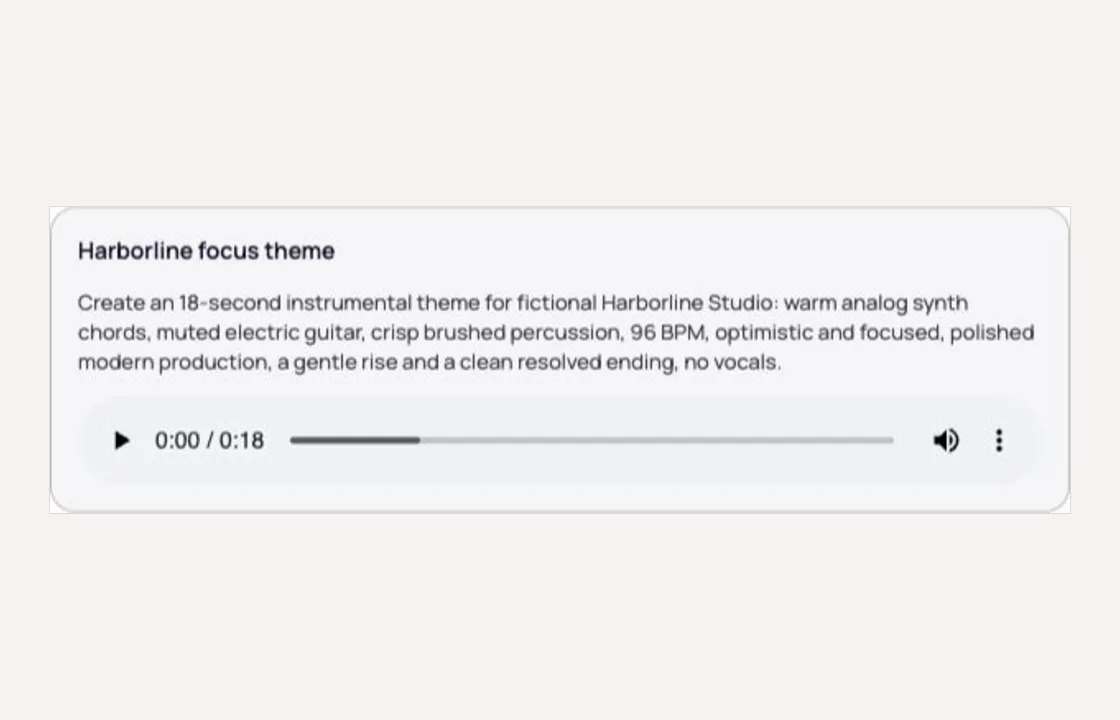
Describe the track you want, with or without vocals, and askROI generates it and keeps refining it with you.
Sign in before choosing files. Only your text draft is saved. Choose your files here after signing in.
Generate
track.
Tap a field to fill it in
Nothing sends until you start, and you can change anything afterwards.
Export formats
- Audio track (.mp3)Download it, or play it in the app.
It also lands in your Library, ready to play again or bring into another chat.
How it works
- Describe the genre, mood, and tempo, and say whether you want vocals, your own lyrics, or lyrics written for you.
- askROI generates the track, telling you what it is doing while you wait.
- Refine the tempo, instruments, structure, or vocals and generate again from what you already have.
What people use it for
- Video and podcast bedsbackground music that fits the mood.
- Songs and demoshear an idea with vocals before taking it to a studio.
- Jingles and identsa short sung hook for a business or a show.
- Focus and ambiencestudy, sleep, or workout tracks to your taste.
Questions
- Can it sing lyrics I wrote?
- Yes. Paste your lyrics, mark the sections if you like, and describe the voice and style. You can also ask askROI to write the lyrics from a theme.
- How long can a track be?
- Tell askROI the length you want. Short clips and full length songs are both supported.
- What does it cost?
- Music generation uses credits, and askROI warns you before a generation that spends them quickly. The free plan includes some to start with.
- Can I use the music commercially?
- Review askROI's terms of service before using a generated track commercially.

 askROI