Product roadmap template
Share next quarter's goals, work and owners. Get a roadmap deck as a PowerPoint file.
Nothing sends until you start, and you can change anything afterwards.
Export formats
- PowerPoint deck (.pptx) Opens in PowerPoint, Keynote, and Google Slides.
Every export also lands in your Library as an artifact you can revise, share with a link, and pick up again in another chat.
How it works
- Share next quarter's goals, the initiatives behind them with owners and dates, what depends on what, and how much capacity the team has.
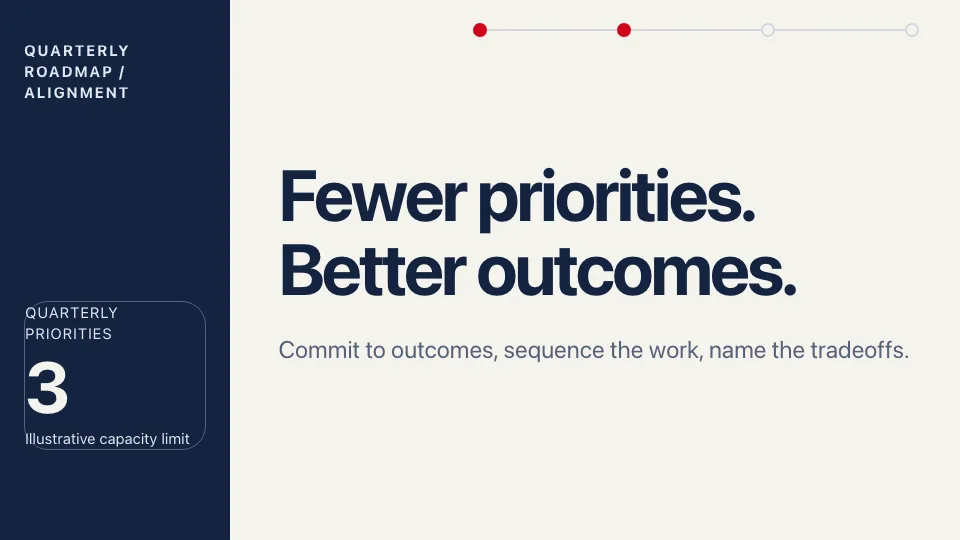
- askROI builds the deck: the quarter's main outcome, initiatives grouped by goal, a timeline, a priority table, dependencies and risks, committed work against later ideas, and the decisions needed, with speaker notes.
- Download it as an editable PowerPoint file, or keep chatting to move an initiative or change a date.
What people use it for
- Product teams show leadership what ships next quarter, what waits, and why.
- Engineering and platform teams sequence migrations and infrastructure work around their dependencies.
- Marketing and growth teams tie campaigns and launches to the quarter's target.
- Quarterly planning agree priorities and owners before the quarter starts, with the open decisions named.
- Stakeholder updates separate what is committed from what is tentative, so nobody hears a promise that is not one.
Questions
Is the product roadmap template free?
Yes. You can make roadmap decks on the free plan. Paid plans raise the usage limits and include more credits for Premium mode.
What is in the deck?
It opens with the quarter's main outcome and the team's capacity, then groups initiatives by the goal they serve, explains the priority order, shows a timeline with dependencies, covers risks, compares committed work with later opportunities, and ends with the decision you need and the next checkpoint. Speaker notes carry the full explanation.
Can I edit it in PowerPoint or Google Slides?
Yes. The deck downloads as an editable PowerPoint file, which you can also upload to Google Slides.
Is this a Gantt chart or a project plan?
No. It is a presentation for aligning people on one quarter's priorities, with a timeline slide. For a task-by-task plan with owners and status, use a project tracker spreadsheet instead.
What does it not do?
It does not read your backlog or issue tracker. It uses the plans you share, marks a missing owner as not set, and lists any timing it had to assume, such as when a review starts, so you can correct it.